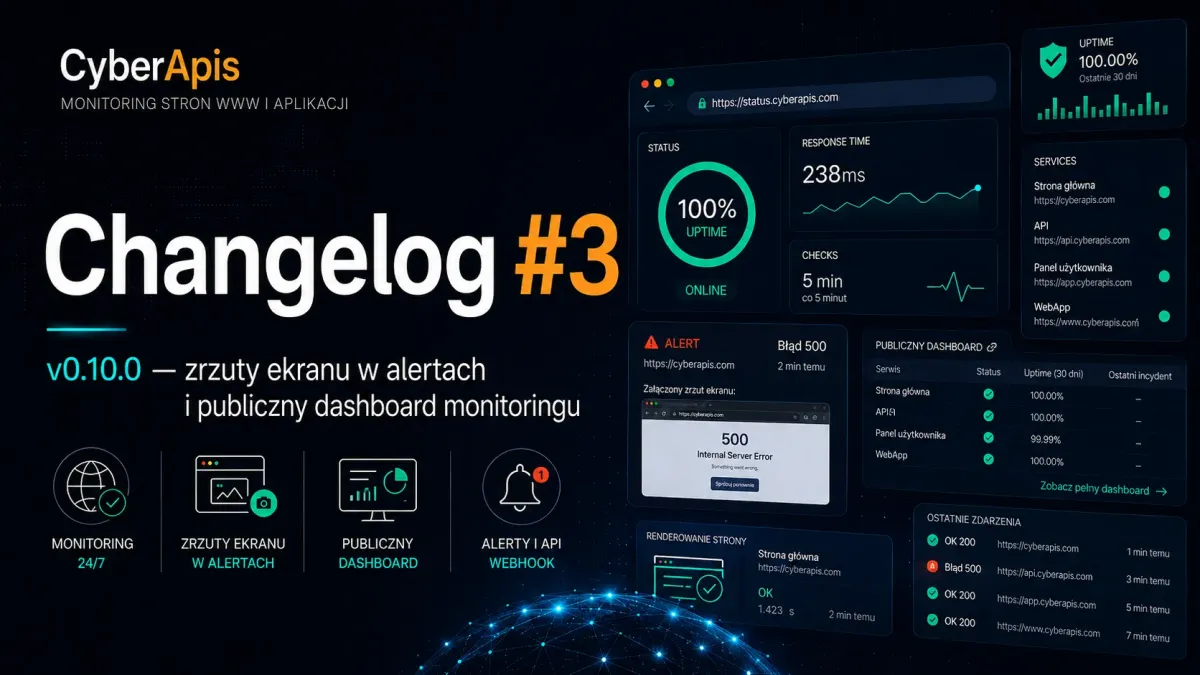
How Browsershot turns a page into a screenshot — the monitoring pipeline explained
When Cyberapis detects a CSS style problem on a monitored website, a bare "style mismatch" message isn't enough. You need to see exactly what broke. That's why v0.10.0 introduces automatic screenshots attached to alert emails — captured in the same Chromium session used for style analysis.
How does it work under the hood? Browsershot — a PHP library by Spatie — launches Chromium via Puppeteer, renders the page at a specified viewport (default 600×800), and saves the screenshot as a JPEG to a temporary directory at storage/app/temp/render-probe-screenshots. After the email is sent, the file is deleted, and monitor:prune-render-probe-screenshots periodically cleans up leftovers. The system skips screenshots during alert cooldown periods to avoid unnecessary server load.
The Cyberapis monitoring pipeline now operates in layers: HTTP check (status code + phrase) → HTML sanity check (error-page patterns) → render probe (CSS analysis). Each layer can succeed or fail independently — and the alert includes precise information about which layer failed.
New Features
Screenshots in render probe alerts
When ok=false, the system attaches a JPEG (default 600×800) generated by Browsershot in the same Chromium session as the style evaluation. Temporary files at storage/app/temp/render-probe-screenshots are deleted after each send attempt. Configurable via MONITORING_RENDER_PROBE_SCREENSHOT and MONITORING_RENDER_PROBE_SCREENSHOT_MAX_AGE.
Public monitoring dashboard with Page Render column
The /monitorings page (available to guests as a demo and to logged-in users) now shows a "Page render" column with an icon reflecting the latest render probe status: green check (OK), red alert (error), gray clock (awaiting first result). Uses the x-monitoring-page-render-status component and Monitoring::renderProbeDisplayStatus().
Shield permissions for monitoring email settings
Removed hardcoded super_admin-only access to MonitoringEmailSettingsResource. Navigation and CRUD now follow MonitoringEmailSettingsPolicy and Shield permissions — e.g., a panel_user with the appropriate permission can manage SMTP settings.
Improved render probe alert UX
When an alert cannot be sent (disabled env, cooldown, missing SMTP config or recipient), Filament shows a warning with an optional link to settings — instead of silently skipping after the style-mismatch toast.
Bug Fixes
SMTP password cleared on edit
The smtp_password field in Filament is now only saved when filled — an empty value on edit no longer clears the stored password. This eliminates a common cause of 535 Incorrect authentication data errors after editing other monitoring settings.
Changes & Improvements
New column layout in Filament monitoring table
Order: site name, URL, text to check, last check, content/sanity, playback, page render, added by, actions. The Page render column now uses status icons instead of a static sparkle icon — state() is set explicitly because virtual columns need state for icon rendering.
Header actions for pause/resume
Monitoring edit gained header buttons: Pause monitoring (warning) / Resume monitoring (success) — the same is_paused functionality as the list row options.