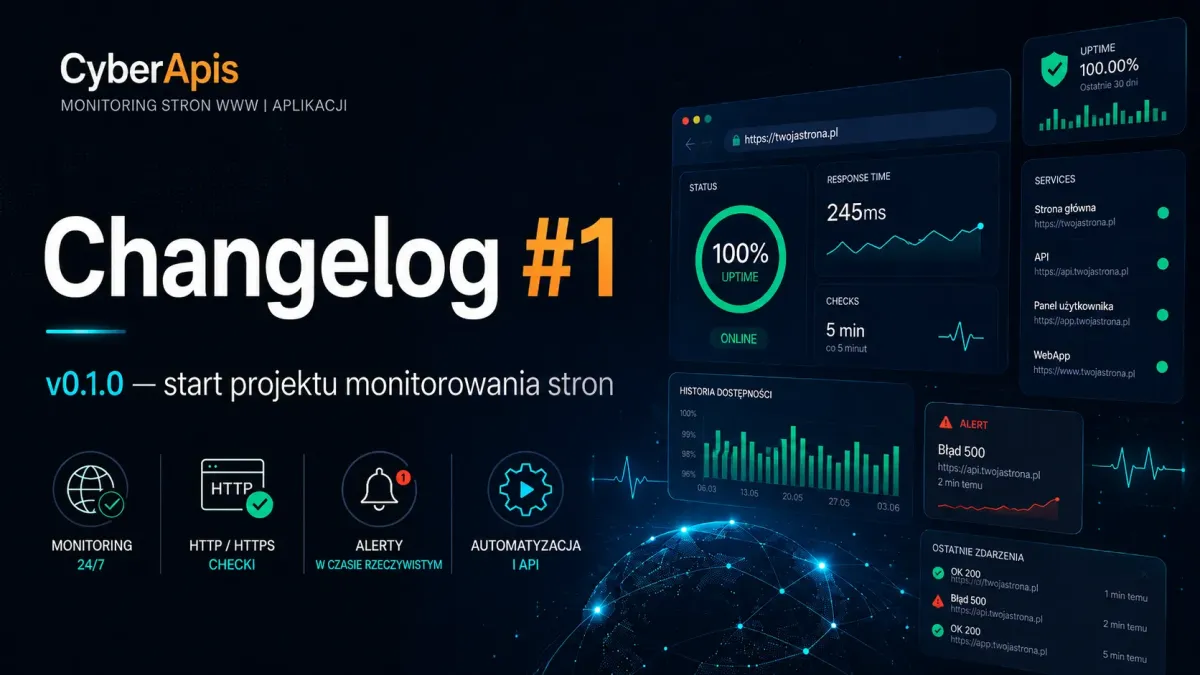
Why website monitoring is more than "does the site return 200"
Monitoring website availability seems simple — send an HTTP request, check the response code, done. In practice, a reliable monitoring system requires much more: content validation, multi-protocol SMTP handling, a dependable notification pipeline, and architecture that won't drop an alert exactly when you need it most.
Cyberapis v0.1.0 is the first public release of a system built from the ground up for these challenges. Built on Laravel 11, it leverages the built-in scheduler and queue system to periodically check websites and send email notifications through a dedicated SMTP server — independent of the application's default mailer.
A key architectural decision was separating the monitoring pipeline from the HTTP layer. The monitor:check-websites command — invoked by the scheduler every five minutes, from the CLI, or via the RunMonitoringCheck job — always follows the same path. This eliminates discrepancies between manual and automated tests, making diagnostics predictable.
New Features
HTTP Monitoring Pipeline
A unified check path: scheduler → monitor:check-websites → MonitoringService → HTTP check + case-insensitive phrase match. The same pipeline serves both cyclic checks and manually triggered tests from the Filament panel.
SMTP Monitoring with Port 465 (SMTPS)
The system supports three SMTP ports: 25, 587 (STARTTLS), and 465 (SMTPS with SSL encryption). The MonitoringEmailSettings::smtpEncryption() mechanism automatically maps ports to the appropriate Laravel mailer encryption (ssl / tls / none).
SMTP Diagnostic Test
Before sending an alert, the system performs an SMTP handshake via Symfony SmtpTransport (start()/stop() methods). SmtpDiagnosticResult returns human-readable hints: connection issues, authentication failures, or TLS problems. Available as a header action, row action, and in create/edit forms.
Email Notifications via Dedicated Mailer
Monitoring alerts always use the smtp mailer — even when MAIL_MAILER=log in the development environment. This solves the problem of "silent" alerts that landed in the log instead of the recipient's inbox.
Admin Panel Internationalization
All labels, modals, notifications, and diagnostic content in the Filament panel are available in Polish and English via translation files in lang/pl/ and lang/en/.
Application Versioning
config/version.php with APP_VERSION as the single source of truth. Version displayed in the Filament panel sidebar. This CHANGELOG.md file was also introduced.
Bug Fixes
Email alerts landed in log instead of inbox
When MAIL_MAILER=log, all emails — including monitoring alerts — ended up in the log file. MonitoringEmailService was rewritten to always use the smtp mailer for failure notifications and SMTP tests, regardless of the default application configuration.
Changes & Improvements
Unified Monitoring Pipeline
Previously, check logic was scattered between a controller and an Artisan command. Now the entire path goes through MonitoringService, eliminating discrepancies between manual and automated tests.
Documentation
Added docs/MONITORING_EMAIL_CONTEXT.md, docs/LARAVEL_BEST_PRACTICES_CONTEXT.md, and updated existing project documentation.